A MAPublisher alternative, without the manual cartography work.
Instead of a plugin, an annual license, and hours of GIS workflow: AI builds the map in minutes. You get ready-to-drop PNG or print-ready PDF.
Pay-per-download · PNG, JPEG, print-ready PDF · Commercial license included
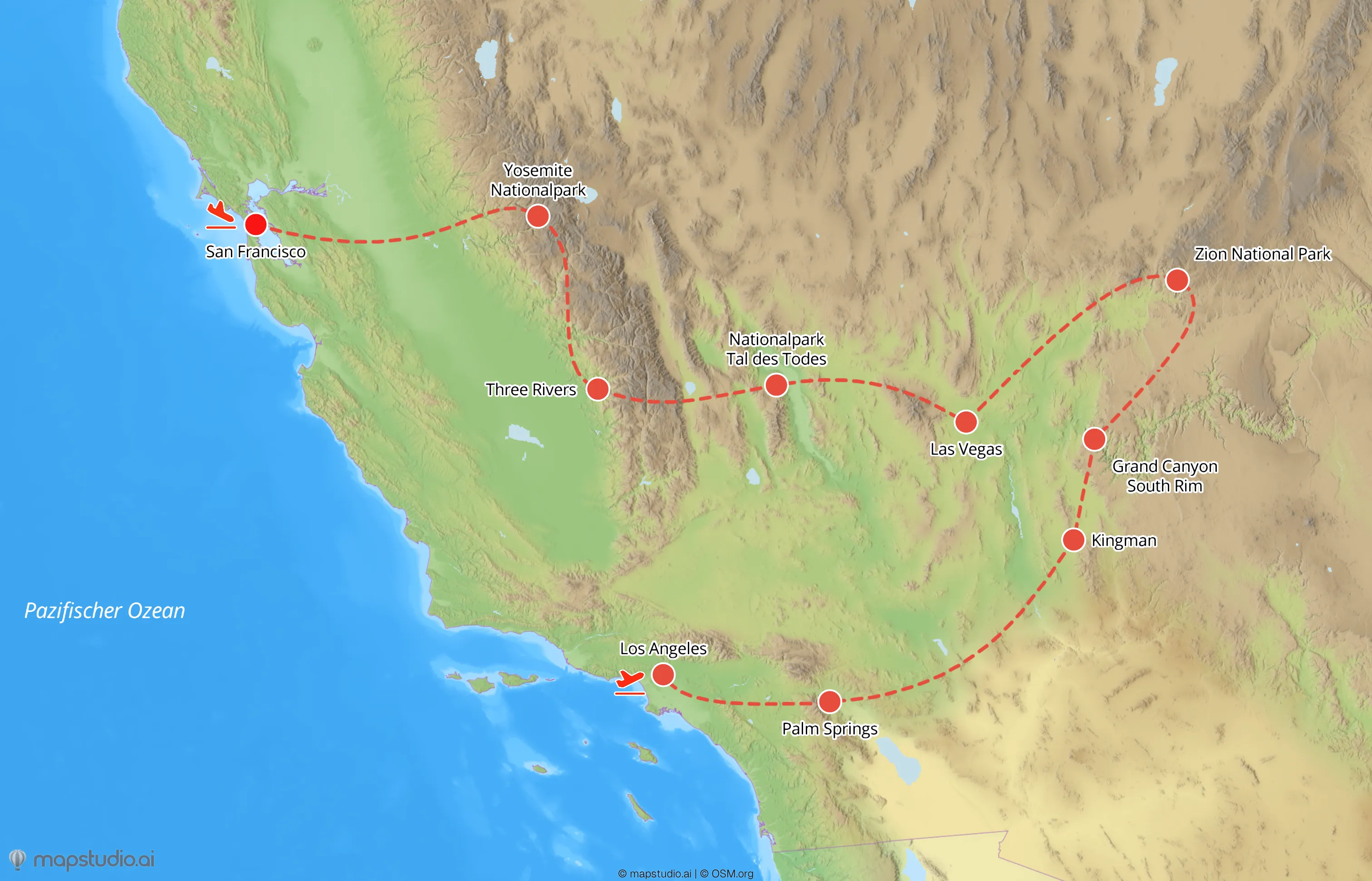
MAPublisher is powerful and expensive. Annual license, Illustrator required, GIS concepts for layers and projections. Hours go into building maps that are ultimately just an image inside a layout.
mapstudio flips the workflow. AI builds the map from a one-sentence brief, you get ready-to-drop PNG or PDF outputs. No manual cartography, no plugin license, no GIS learning curve.
MAPublisher and mapstudio compared
| Criterion | MAPublisher | mapstudio |
|---|---|---|
| Map creation | Manually in Illustrator with GIS data, layer by layer. | Describe the area or route as text, the map builds automatically. |
| Prerequisites | GIS concepts, projections, shapefiles, and Illustrator fluency required. | None. A brief in plain language is enough. |
| Software | Adobe Illustrator required, plus the MAPublisher plugin. | Runs in the browser, nothing to install. |
| License model | Annual license plus an ongoing Adobe subscription. | Pay-per-download from €19, no subscription, no yearly commitment. |
| Output | Full vector control, at the cost of manual work per map. | Print-ready PDF (CMYK) plus PNG, JPEG, WebP, ready to drop in. |
| Time per map | Hours of placing, labeling, and fine-tuning. | Minutes from brief to finished download. |
| Best for | Cartographers who want to control every vector path themselves. | Teams that need finished maps for a layout, fast. |
Comparison based on publicly available information about MAPublisher, as of 2026. MAPublisher is a trademark of its respective owners and is not affiliated with mapstudio.
What changes when you switch
Describe instead of place
"Map of Andalusia with Seville, Granada, Cádiz." The AI handles geography, labels, and routes. No shapefiles, no layer setup.
Tune the style in the browser
Atlas, Relief, or Flat. Colors, labels, line weights. Saved per workspace so the look stays consistent for each client.
Download PNG or PDF
High-resolution PNG for the web, print-ready PDF (CMYK) for press. Drop-in ready for InDesign, Affinity Publisher, or your web CMS.
Pay-per-download instead of yearly license
From €19 per map at volume. No yearly plugin, no Adobe requirement, no lock-in. You pay per download, not for creating or iterating.
What's different at mapstudio
AI builds the map
Geography from text, routes from stop lists, labels placed automatically. No geocoding, no shapefiles, no click-by-click placement.
Ready-to-drop outputs
PNG, JPEG, WebP, and print-ready PDF in CMYK color space. Maps drop straight into InDesign or any layout, no post-processing in other tools required.
Atlas styles
Several curated map styles in the browser. Adjustable to brand colors and typography, saved per workspace.
Pay-per-download
You only pay the final download, from €19 per map, not for creating or iterating. No subscription, no annual plugin.