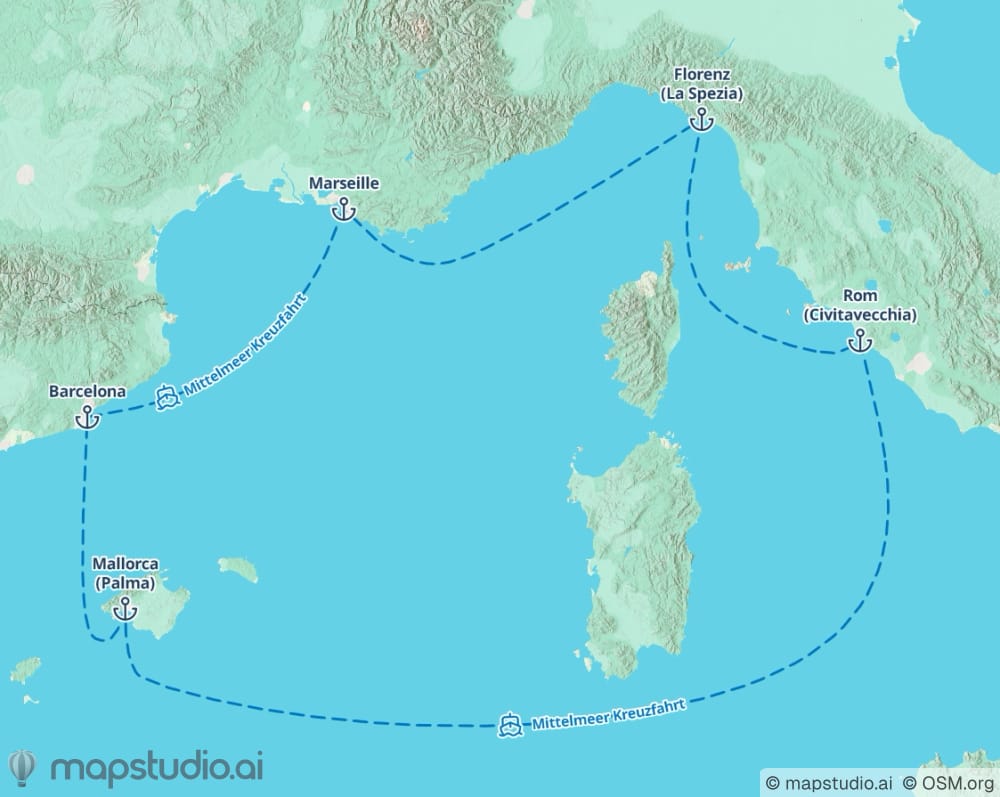
The short version
Print-ready maps need three things: (1) high resolution, at least 300 dpi at the printed size, (2) the CMYK color space instead of RGB, so the printer doesn't need to convert, (3) embedded fonts and the correct bleed margin. mapstudio.ai delivers PDF in CMYK color space with embedded fonts on export, ready for the printer.
Print-ready map in four steps
- 01
Create the map in mapstudio.ai
Describe your map in natural language (region, stops, routes) and pick a style that fits the print layout. Atlas or Relief work well for classic travel catalogs, Flat fits modern editorial layouts.
- 02
Check layout and labels
Adjust fonts, labels, and color palette to the print layout. Save brand colors per workspace so every map for the same client or magazine stays consistent. In the editor, you can move stops around and rename labels.
- 03
Export as PDF in CMYK color space
Pick PDF on export. The export comes in CMYK color space automatically, with fonts embedded, the PDF is ready for the printer. Resolution is calibrated to print standard, no dpi conversion needed at the print shop.
- 04
Hand off to the printer
The PDF can go directly to the printer. If they need a specific bleed (e.g. 3mm), plan it in the surrounding layout. The download includes a commercial license for print, digital, and ads.
What matters for print maps
CMYK instead of RGB
Printers work in CMYK color space. RGB maps (web look) often appear desaturated in print or shift in color. mapstudio.ai exports PDF in CMYK automatically, no manual conversion needed.
Check resolution at print size
Print standard is 300 dpi at actual print size. mapstudio.ai delivers high-resolution PDF that fits typical layouts. For very large formats (posters, A0), get in touch and we calibrate the resolution individually.
Plan the bleed in the layout
Printers work with bleed (usually 3mm per side) so no white edges remain after cutting. Plan the map within the surrounding layout. The mapstudio PDF doesn't carry a fixed bleed, that comes from the layout around it.
Fonts embedded, not linked
PDFs need to embed all fonts so the printer can reproduce them. mapstudio.ai embeds fonts automatically. If your layout program imports the PDF and re-exports, check the final result before printing.